






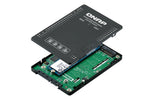

Poser une question sur QNAP QDA-A2MAR storage drive enclosure SSD enclosure Black M.2
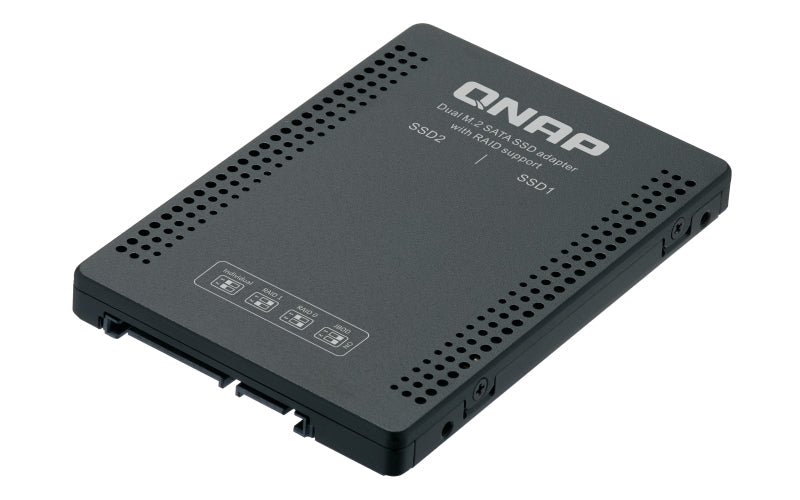
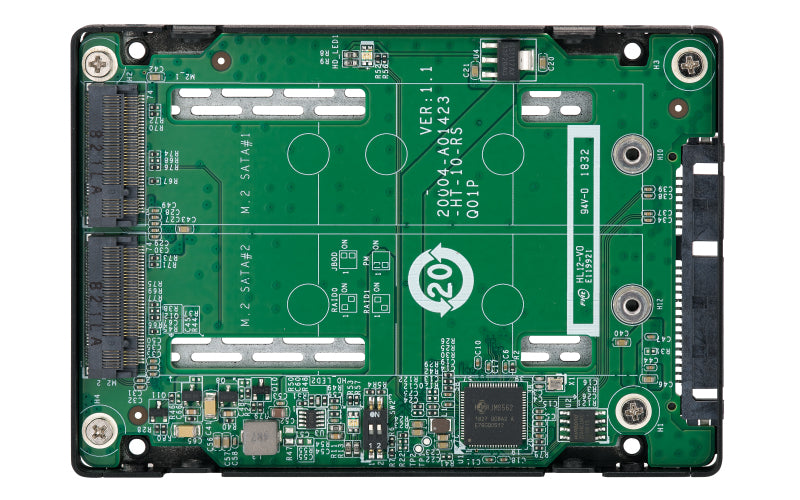
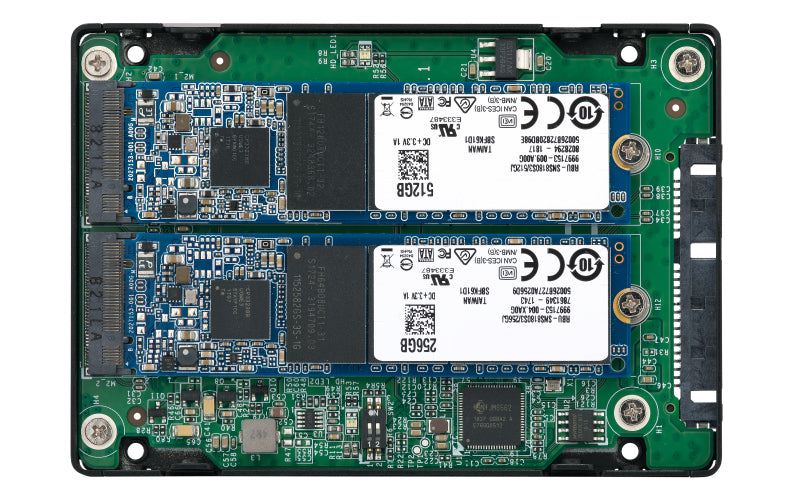
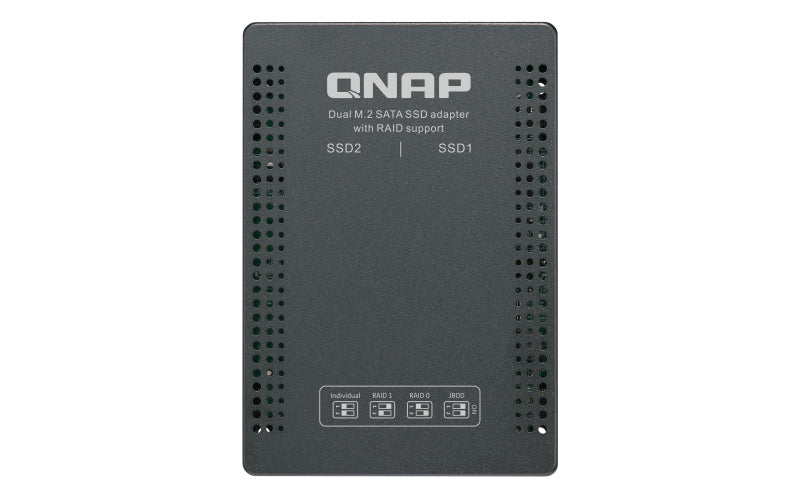
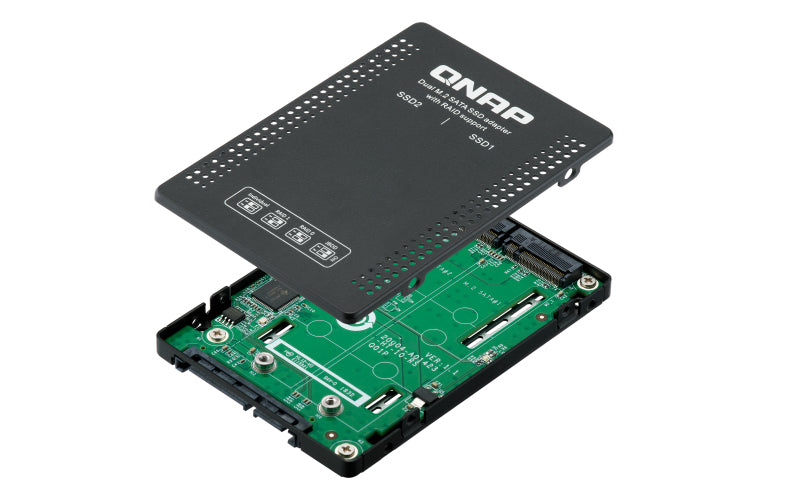
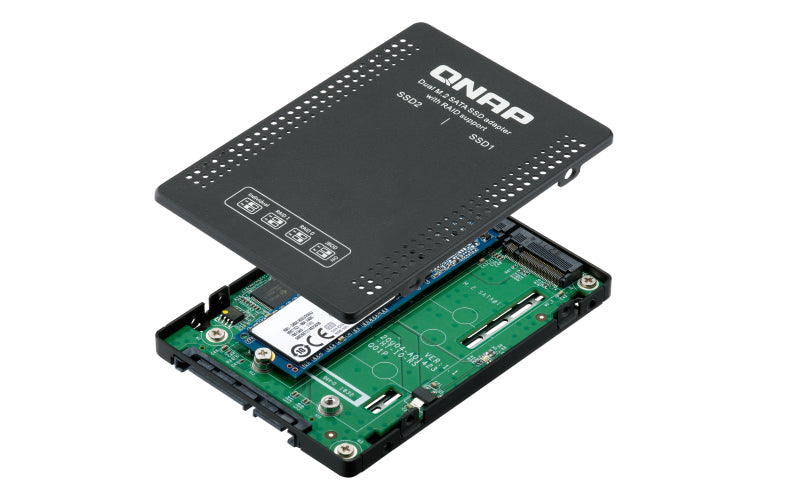
The QDA-A2MAR can accommodate two M.2 SATA SSDs within a single 2.5-inch SATA drive bay. No software driver is required for the QDA-A2MAR, and it can be installed in a PC/workstation (Windows®, Linux®) or QNAP NAS to flexibly add high-performance M.2 SATA SSDs with RAID configurations to meet various storage needs. Supports various RAID levels The QDA-A2MAR supports a variety of RAID configurations. Depending on your requirements, you can use the bundled metal pin as disk mode switch tool to select your ideal RAID mode: Individual, JBOD, RAID 0, or RAID 1. Windows® users can use the QNAP External RAID Manager utility to view the RAID group status and disk health information. Install in a PC/workstation for higher performance or data protection When using two M.2 SSDs instead of a single 2.5-inch drive in a PC/workstation (Windows® or Linux®) you can create a RAID 0 for enhanced performance, or RAID 1 to add data redundancy for greater data protection. The M.2 SSDs also help achieve maximized performance and lower latency, ideal for on-the-fly video editing and server-grade applications. External RAID Manager for Windows users The QNAP External RAID Manager utility allows Windows® users to view the drive status and RAID information of the QDA-A2MAR. Firmware updates for the QDA-A2MAR can also be managed with the External RAID Manager utility. Install in QNAP NAS for efficient storage or SSD caching The QDA-A2MAR supports hardware RAID that will not consume CPU resources to help sustain optimal NAS performance. You can install one or more QDA-A2MAR in a NAS to maximize the storage utilization of available 2.5-inch drive bays. The QDA-A2MAR can accommodate two M.2 SSDs to create an SSD volume for performance-demanding workflows or work in an efficient tiered-storage environment with Qtier. It can also boost IOPS performance when configuring SSD caching. RAID information and disk health of the QDA-A2MAR can be monitored through the QTS Storage & Snapshots Manager.
Caractéristiques
| Number of storage drives supported | 2 |
| Storage drive size | M.2 |
| Supported storage drive interfaces | M.2 |
| RAID levels | 0, 1 |
| USB connectivity | No |
| Product type | SSD enclosure |
| Product colour | Black |
| Data transfer rate | 6 Gbit/s |
| Windows operating systems supported | Windows 10, Windows 7, Windows 8, Windows 8.1 |
| Linux operating systems supported | Yes |
| Width | 69.9 mm |
| Depth | 100.5 mm |
| Height | 9.5 mm |
| Weight | 100 g |
| Screws included | Yes |
| Manual | Yes |
| Harmonized System (HS) code | 84733080 |
DELIVERY
- Dispatch: Within 24 Hours
- Free shipping across all products on a minimum purchase of $50.
- International delivery time - 7-10 business days
- Cash on delivery might be available
- Easy 30 days returns and exchanges
RETURNS
If you do not like the product you can return it within 15 days - no questions asked. This excludes bodysuits, swimwear and clearance sale items.
We have an easy and hassle free return policy. Please look at our Delivery & Returns section for further information.
- Frequent cleaning with a clean buff cloth without any residue of any cleaning products removes dirt.
- Dusting with a dry cloth can scratch, so lightly spritz your cleaning cloth with water.
- A vacuum cleaner will effectively remove any dust from surfaces and crevices.
- Always use a coaster for drinks, and be mindful of any other potential sources of water damage, such as flower vases.
- Sharp objects can cut right through the surface of the wood, leaving behind unsightly scratches and gouges.
- Do not place hot utensils directly on the table top to avoid damage and discoloration
- Avoid direct sunlight as it will affect your furniture. It can cause
your furniture to lose its shine and luster and begin to fade. - The table is designed to hold food, crockery and utensils, not heavy objects.
- Avoid sitting, standing, or jumping on the dining table or chairs. Also
do not throw heavy objects on the table, as this may damage the
product.