







Ask about StarTech.com 4-Port DisplayPort KVM Switch with Mouse Roaming and Multi-View / Picture-in-Picture, 4K 60Hz, USB 3.0 (5Gbps) Hub, Hotkey Control, TAA Compliant
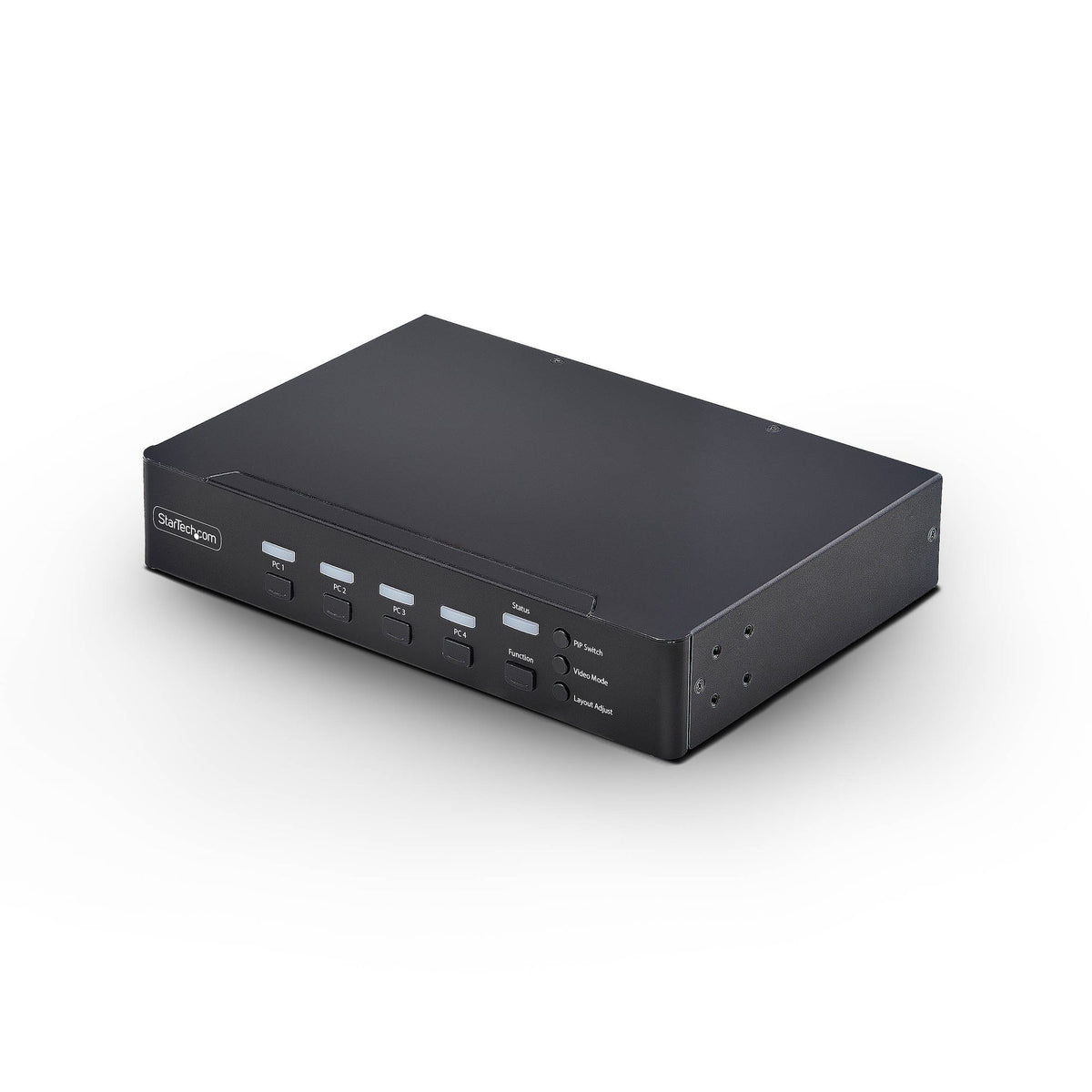
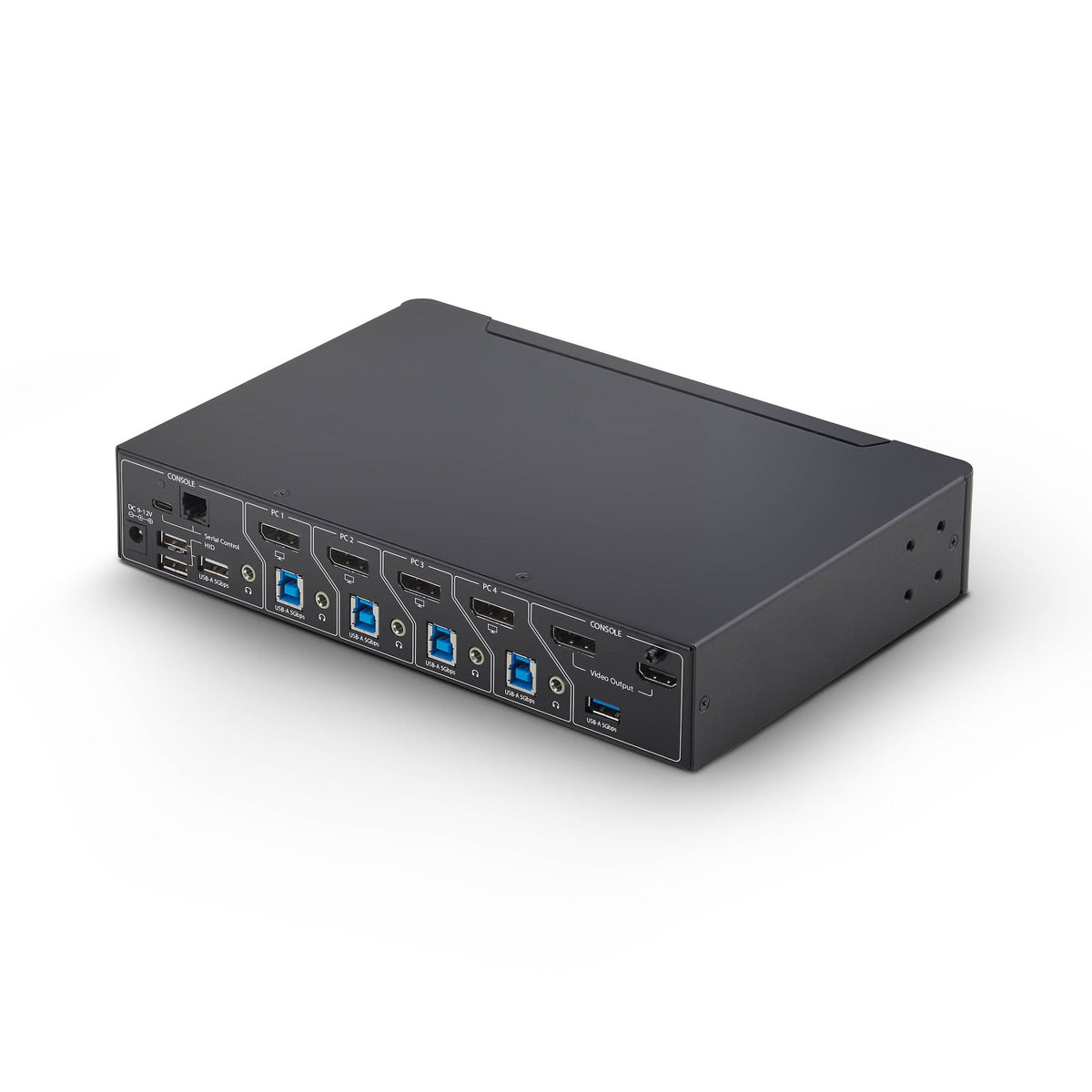
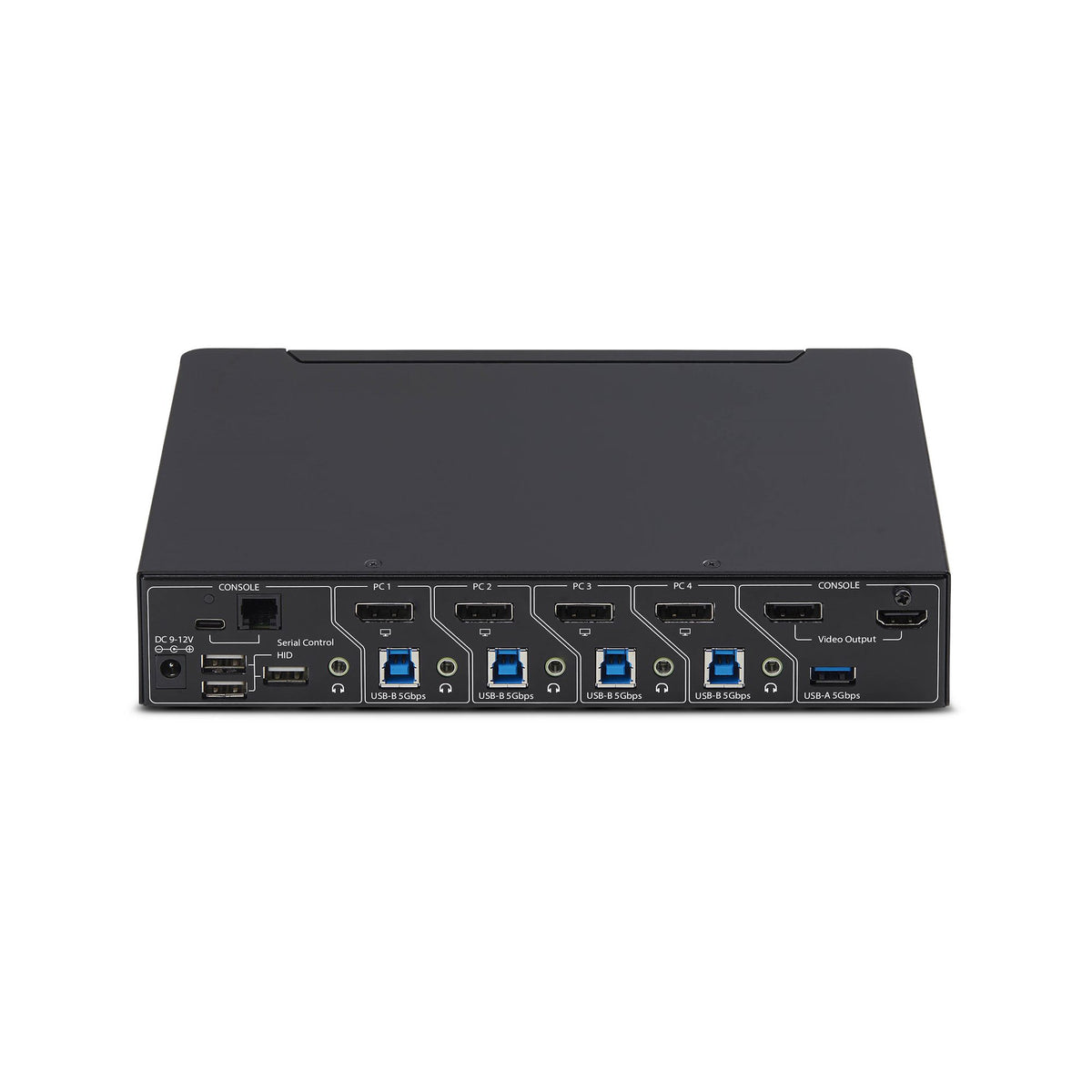
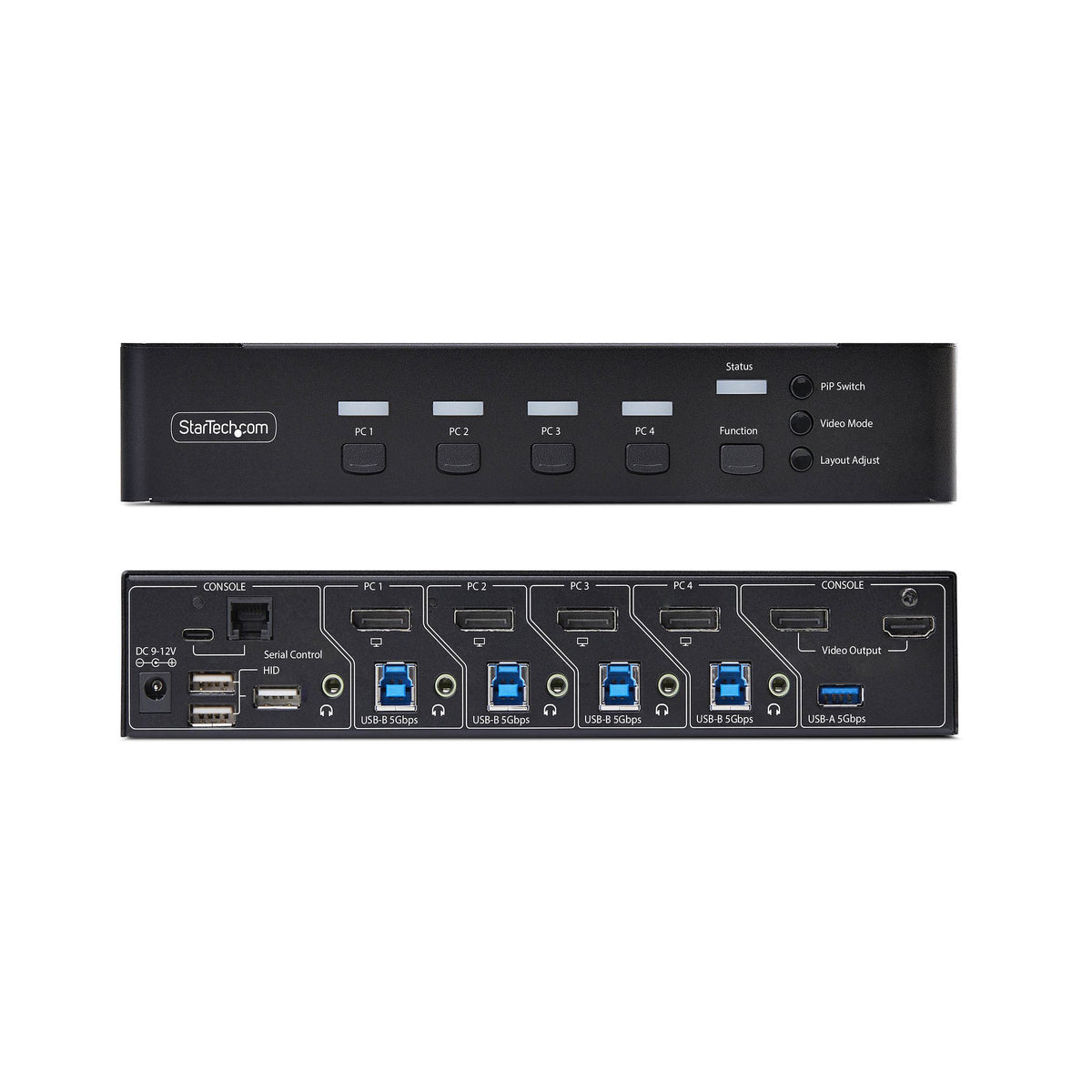
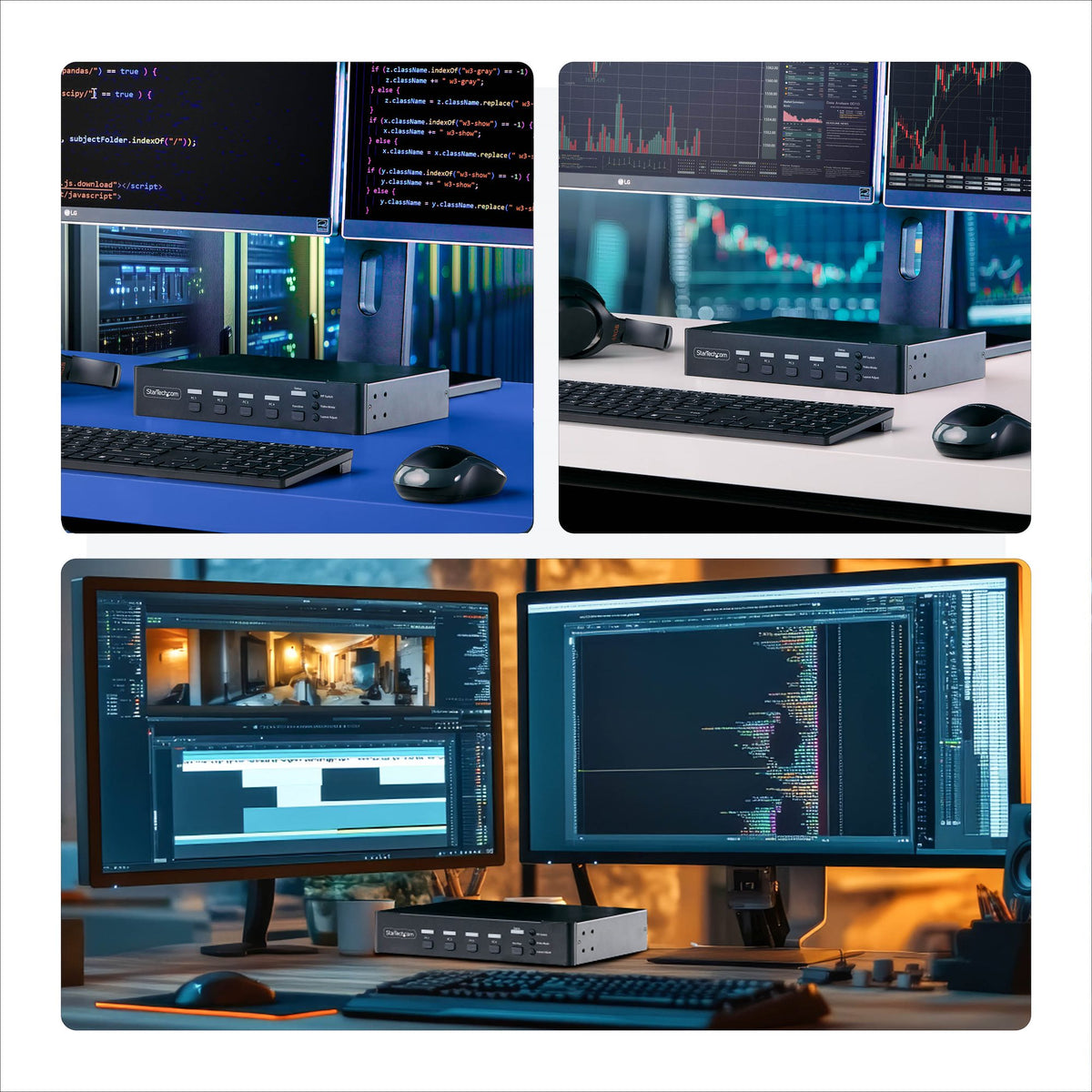
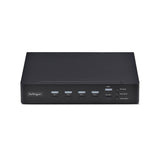
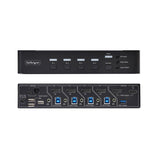
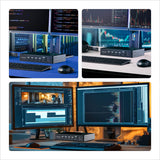
Control up to four DisplayPort computers with mouse roaming, quad view, and picture-in-picture support Streamline complex workflows by managing up to four DisplayPort computers from a single keyboard, mouse, and display. With support for true 4K 60 Hz (4:4:4) resolution, this multiview KVM delivers crisp text and precise visuals across Windows, macOS, and Linux workstations. Multiview Monitoring Maintain full awareness and react faster by viewing multiple systems at once. Flexible display modes including Quad-View, Picture-in-Picture (PiP), and Picture-by-Picture (PbP) let you monitor and compare the four sources. Instant Switching With Continuous Video Move seamlessly between systems using mouse roaming with zero latency and no screen blackout. Continuous video output keeps every system visible at all times, eliminating delays caused by switching or waiting for auto-scan cycles, reducing disruption in control rooms, industrial environments, and other time-sensitive operations. Switch Your Way Adapt the KVM to your environment with multiple switching methods. Use front-panel buttons, keyboard hotkeys, mouse roaming, mouse side buttons, or serial control via RJ-11 or USB-C to support hands-on use, remote management, or automated workflows. Built-In Dual Display Output Mirror the KVM output to two displays simultaneously using DisplayPort and HDMI. Use a local desktop monitor for hands-on control while displaying the same view on a larger wall-mounted TV for monitoring or team visibility. This dual console output improves visibility, collaboration, and redundancy without requiring external splitters or additional hardware.
Caractéristiques
| Number of computers controlled | 4 |
| Keyboard port type | USB |
| Mouse port type | USB |
| Video port type | DisplayPort |
| DisplayPorts quantity | 4 |
| DisplayPort version | 1.2 |
| USB 3.2 Gen 1 (3.1 Gen 1) Type-B ports quantity | 4 |
| Console ports | DisplayPort, USB A, USB C |
| Console USB ports quantity | 4 |
| Console DisplayPorts ports quantity | 1 |
| Console HDMI ports quantity | 1 |
| USB hub | Yes |
| HD type | 4K Ultra HD |
| Maximum resolution | 3840 x 2160 pixels |
| Daisy chain | No |
| Rack mounting | No |
| Product colour | Black |
| Housing material | Steel, Aluminium |
| LED indicators | Yes |
| Push button | Yes |
| Hot keys | Yes |
| Mean time between failures (MTBF) | 130000 h |
| Built-in display | No |
| On Screen Display (OSD) | No |
| Power source | DC |
| Input voltage | 100 - 240 V |
| Input current | 1 A |
| Output voltage | 12 V |
| Output current | 3 A |
| Power consumption (typical) | 36 W |
| External power adapter | Yes |
| Compatible power plug types | EU, UK, US, AU |
| Compliance certificates | Trade Agreements Act (TAA), Federal Communications Commission (FCC), RoHS |
| Operating temperature (T-T) | 0 - 40 °C |
| Storage temperature (T-T) | -20 - 60 °C |
| Operating relative humidity (H-H) | 0 - 80% |
| Width | 130 mm |
| Depth | 220 mm |
| Height | 40 mm |
| Weight | 1.05 kg |
DELIVERY
- Dispatch: Within 24 Hours
- Free shipping across all products on a minimum purchase of $50.
- International delivery time - 7-10 business days
- Cash on delivery might be available
- Easy 30 days returns and exchanges
RETURNS
If you do not like the product you can return it within 15 days - no questions asked. This excludes bodysuits, swimwear and clearance sale items.
We have an easy and hassle free return policy. Please look at our Delivery & Returns section for further information.
- Frequent cleaning with a clean buff cloth without any residue of any cleaning products removes dirt.
- Dusting with a dry cloth can scratch, so lightly spritz your cleaning cloth with water.
- A vacuum cleaner will effectively remove any dust from surfaces and crevices.
- Always use a coaster for drinks, and be mindful of any other potential sources of water damage, such as flower vases.
- Sharp objects can cut right through the surface of the wood, leaving behind unsightly scratches and gouges.
- Do not place hot utensils directly on the table top to avoid damage and discoloration
- Avoid direct sunlight as it will affect your furniture. It can cause
your furniture to lose its shine and luster and begin to fade. - The table is designed to hold food, crockery and utensils, not heavy objects.
- Avoid sitting, standing, or jumping on the dining table or chairs. Also
do not throw heavy objects on the table, as this may damage the
product.